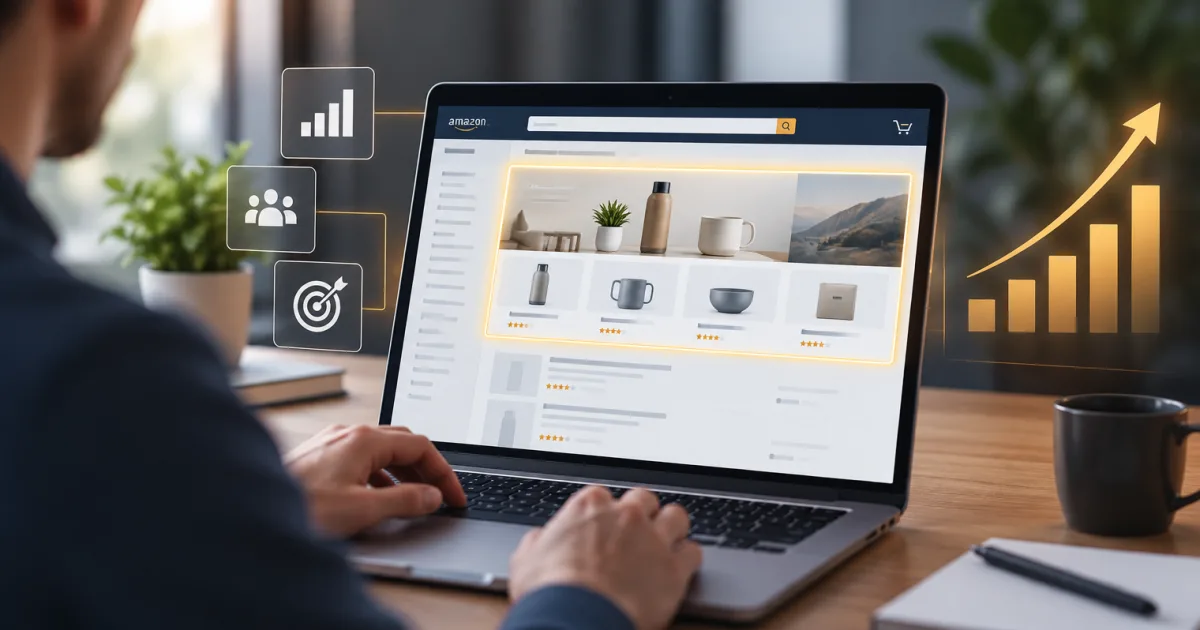
Sponsored Brands ads can appear at the top of Amazon search results, among shopping results, and on product detail pages. That visibility gives your creative a quick job: show shoppers what you sell, make the next click clear, and send them somewhere that matches the ad.
This guide is for designers and brand teams preparing Product Collection, Store Spotlight, or Video ads. It covers the production details that tend to slow a campaign down, including image rules, video safe areas, and two Amazon spec pages that don’t agree on vertical video.
Start with the campaign and the prerequisites
To create Sponsored Brands campaigns, sellers need to be enrolled in Amazon Brand Registry. Brand Registry generally requires an active registered trademark that Amazon accepts for the brand and marketplace. Check eligibility before you build a full creative set. A polished file can’t solve an account access problem.
A Brand Store is required when your ad sends shoppers to Store pages, including Store Spotlight. It’s also a useful destination for campaigns meant to introduce a wider range of products. For other formats, a Store may be recommended rather than required: some campaigns can link directly to a product detail page or another eligible landing page.
Sponsored Brands has several placements, and the exact position depends on the campaign and Amazon’s delivery. Design for the format you selected, then check the ad preview. “Top of search” is a possible placement, not a promise that every ad will sit there.
The three Sponsored Brands formats
| Format | What it shows | Where clicks go | Good fit when |
|---|---|---|---|
| Product Collection | Brand logo, headline, custom image or slideshow, and featured products | Product images go to their product detail pages. Other ad elements can lead to a Store or another eligible landing page. | You want to feature a small range of products or connect related products in one ad. |
| Store Spotlight | Logo, headline, and up to three Brand Store pages, each with an image and label | Each page tile leads to the corresponding Store page. | You have useful Store pages for distinct categories, collections, or product lines. |
| Video | A video ad tied to a product or brand, with the product and ad details shown in the unit | Depending on the campaign setup, shoppers go to a product detail page or Brand Store. | You can show how a product works, what makes it different, or how it fits into a routine. |
Choose the format based on the click you want. Product Collection is a practical choice for presenting products side by side. Store Spotlight helps shoppers choose a path into your Store. Video gives you moving space to explain something a still image can’t, though it still needs to make sense with the sound off.
For another look at a newer Product Collection option, see Parker-Lambert’s guide to Sponsored Brands Collections.
Image and text specs
| Asset | Sponsored Brands production spec |
|---|---|
| Brand logo | At least 400 × 400 px, square (1:1), PNG or JPG, up to 1 MB. The logo should fill the frame or sit on a white or transparent background. Don’t add a URL or social handle. |
| Product Collection custom image | At least 1200 × 628 px, PNG or JPG, up to 5 MB. |
| Product Collection slideshow | Two to five lifestyle images can play as an auto-rotating slideshow. Follow the image rules for each image. |
| Headline | Up to 50 characters. Keep it clear at a glance. |
| Product Collection products | Plan around three featured products and confirm that the selected ASINs are eligible for your campaign. |
| Store Spotlight pages | Up to three Brand Store pages, each with its own image and label. |
These numbers are for Sponsored Brands, not every Amazon ad product. Amazon has separate specifications for other creative tools, and a file limit from one product shouldn’t be copied over to another. For Product Collection, the current Amazon Ads API guide lists the custom image limit as 5 MB. Check the campaign builder’s upload requirements if your selected format or workflow shows a different limit.
Keep custom images focused on the product or its use in context. Amazon doesn’t allow added text, graphics, or logos in the image. Don’t submit an isolated product cut-out on a plain or transparent background, a logo on its own, or an image already used as one of the selected product images. Packaging text that naturally appears in a photo is different from a headline pasted over the image.
A lifestyle image isn’t a loophole for tiny, crowded copy. Keep the composition simple enough to read at the size shoppers will see it. Your logo and headline already have places in the ad layout; give them those places instead of making the image do double duty.
Video specs and layout
| Video item | Requirement |
|---|---|
| Aspect ratio | 16:9, square pixels, according to Amazon’s detailed Sponsored Brands video specs page. |
| Resolution | 1280 × 720, 1920 × 1080, or 3840 × 2160 px. |
| Length | 6 to 45 seconds. Amazon recommends 20 seconds or less. |
| File | MP4 or MOV, up to 500 MB. |
| Video codec and profile | H.264 or H.265; Main or Baseline profile; progressive scan. |
| Frame rate | 23.976, 23.98, 24, 25, 29.97, 29.98, or 30 fps. |
| Video bit rate | At least 1 Mbps; 4 Mbps or more recommended. |
| Audio | PCM, AAC, or MP3; stereo or mono; at least 96 kbps and 44.1 kHz. |
| Products | Usually one featured product per video. Author campaigns may have a different allowance for books. |
Amazon’s detailed Sponsored Brands video specs page lists 16:9 only. A separate getting-started guide says 9:16 vertical video is supported. Since those instructions conflict, use 16:9 when you need a dependable production target, and confirm vertical support in the campaign builder before making a separate vertical version. Don’t force a horizontal video into a vertical frame by cropping off the product or adding bars.
The video autoplays muted when at least half of it is visible. Add captions if spoken information matters: use strong contrast, keep each phrase short, and time the words to the voiceover. Leave the lower-right corner clear because the mute control appears there. Make sure your footage and text also leave the “Sponsored” label unobstructed in the ad preview.
What gets rejected
Images and logos
- Custom-image text, added graphics, logos, calls to action, or a logo used as the whole image.
- Product cut-outs on plain or transparent backgrounds, or an image that duplicates a selected product image.
- A logo that doesn’t match the registered brand, is hard to read, combines multiple logos, or includes a URL or social handle.
- Low-resolution, blurry, crowded, stretched, or poorly cropped creative.
Video
- Black, colored, or blurred bars around the footage, including letterboxing and pillarboxing.
- Blank or black frames at the start or end, blurry footage, or resolution below 720p.
- Fake play buttons, cursors, social-media watermarks, or other interface elements that could mislead shoppers.
- Footage that shows a different product color, size, or configuration from the listing.
- Text or important visuals covered by the mute control or “Sponsored” label.
Copy and claims
- Customer reviews, star ratings, or unsupported “best seller” and superiority claims.
- Urgent or pressuring language such as “buy now” when it pushes shoppers to act immediately.
- Amazon trademarks, logos, or the Amazon smile without prior written approval.
- Content that doesn’t match the product or landing page, or language that doesn’t fit the marketplace.
- Unsupported claims, including health or performance claims that you can’t substantiate.
Promotional language needs a closer check rather than an automatic yes or no. Amazon’s policy allows some promotional copy when the offer is also shown on the product detail page and remains valid for the campaign. If the deal ends, the ad must end or the promotional message must come out. If you don’t have a live, matching offer, leave the discount out.
Creative choices that help
Show the product early. Open with the item in use or the problem it solves, not a logo-only title card. Amazon recommends showing something interesting in the first few seconds. Bring in the brand within that opening stretch, then end with a clear next step that suits the campaign destination.
Write for muted playback. Captions should be readable against the footage and appear one short phrase at a time. Avoid placing key copy near the edges or in the lower-right safe area. If the idea only works with narration, the ad needs another edit.
Give the headline a job. A short benefit can add something the product title doesn’t already say. For a water bottle, “Cold water through the afternoon” gives a shopper a reason to look closer; repeating the title and size uses the headline space without adding much.
Make the product group make sense. In Product Collection, pick three products that tell a simple story: related uses, a range of sizes, or complementary items. For Store Spotlight, use pages with strong, distinct images and labels that tell shoppers what they’ll find after the click. “Kitchen” is clearer than a clever label that needs a decoder ring.
Test versions that change one thing at a time. Try different headlines, images, and videos, then compare performance in the context of the same campaign goal and landing page. A new photo and a new headline tested together may make the result hard to interpret.
Review, rejection, and resubmission
Sponsored Brands creative goes through Amazon moderation before publication. Amazon’s moderation help says review is usually completed within 24 hours, but can take up to three business days. Build in extra time, especially if a launch date depends on approval.
If Amazon rejects an asset, read the specific reason before you edit. A rejected image needs a different fix from copy that makes an unsupported claim. Correct the flagged problem, check the rest of the ad for the same issue, and resubmit the updated creative. Changing a file name won’t change what the reviewer sees.
Before you submit again, compare the ad with its landing page and product listing. Check the product variation, offer dates, logo, marketplace language, image quality, and video safe areas. Then review the campaign preview at the available sizes. Approval is easier to plan for than to hurry.
Sponsored Brands vs. Display creative
| Sponsored Brands | Display ads | |
|---|---|---|
| Typical purpose | Promote a brand, product group, or featured product in Amazon shopping experiences. | Reach shoppers with display placements; the available placements and formats depend on the campaign. |
| Typical placement | Amazon search and shopping results, with some placements on product detail pages. | Display inventory can include Amazon properties and, depending on the campaign, third-party sites and apps. |
| Creative needs | Format-specific logo, headline, product or Store destination, and possibly a custom image or video. | Often needs display-sized assets that fit the selected placement and its template. |
| What may be reused | Brand-approved logos, lifestyle photography, and product footage may be useful starting points. | The same source material may be reusable, but dimensions, overlays, copy, and rules can differ. Review each asset for the new placement. |
Amazon lets advertisers reuse some creative assets across sponsored ad types, but reuse doesn’t mean every file is ready as-is. Keep a clean, high-resolution master, then build and review versions for each placement. A wide lifestyle photo may work in both; a headline baked into that photo may break the Sponsored Brands image rules.
If you’re comparing Sponsored Brands with another Amazon campaign type, Parker-Lambert’s guide to Sponsored Products covers the product-focused format.
Designer’s pre-flight checklist
- Confirm Brand Registry access and whether the campaign needs a Brand Store.
- Choose the ad format and verify the product or Store destination.
- Check dimensions, file type, file weight, and text limits against the selected Sponsored Brands format.
- Use the correct registered logo; confirm it’s legible and free of URLs and social handles.
- Remove added text, graphics, and logos from custom images. Check for plain-background cut-outs and duplicate listing images.
- Confirm product images, colors, sizes, claims, and any offer match the listing and landing page.
- Use marketplace-appropriate copy and review claims, promotional language, and Amazon branding.
- For video, check duration, codec, frame rate, audio, captions, mute-control safe area, and the “Sponsored” label.
- Preview the ad at available sizes and make sure key details remain readable.
- Leave time for moderation and a possible resubmission.
Frequently asked questions
How many products or Store pages can an ad feature?
Product Collection can feature up to three products, and Store Spotlight can show up to three Brand Store pages. Check eligibility and the live campaign builder before finalizing the layout.
How long can moderation take?
Amazon says moderation is usually completed within 24 hours, but may take up to three business days. Allow the longer window when scheduling a launch.
Plan your next campaign
Tell Parker-Lambert about your brand and ask about a custom quote for your project. Schedule a free call to discuss whether the agency is a good fit.