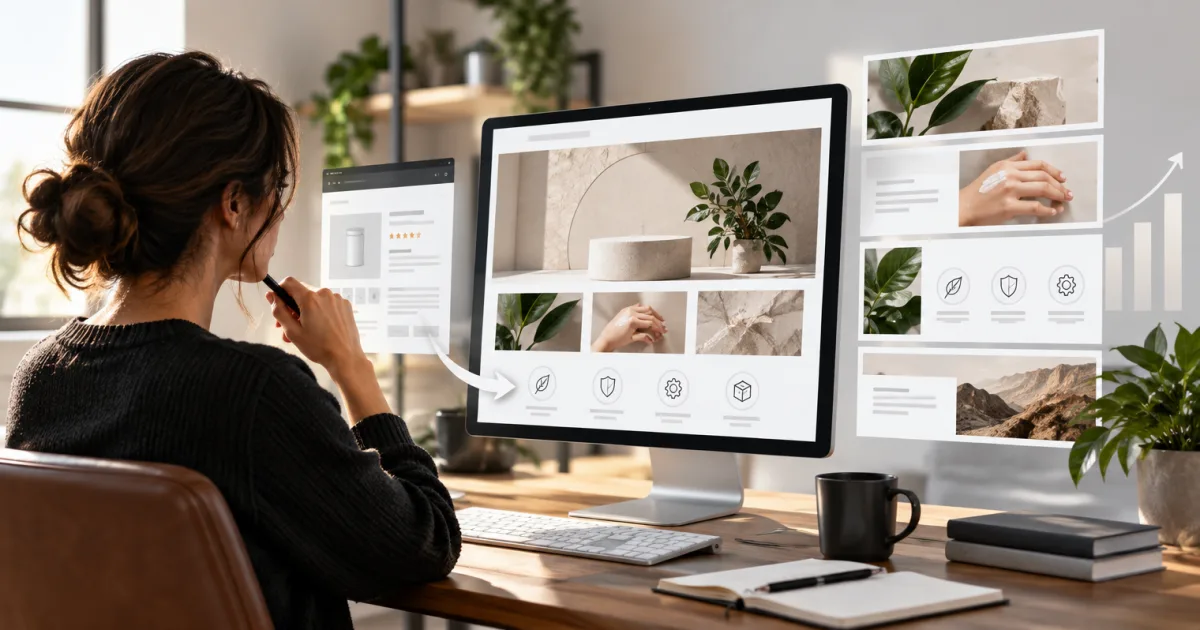
If you’re designing Amazon display ads, the first spec to check is which kind of campaign you’re building. Amazon has moved Sponsored Display into its wider Display ads offering, while Amazon DSP remains a distinct way to buy ads. The names and creative options have changed, and a square logo rule for one format won’t necessarily apply to another.
This guide focuses on self-serve Display and Responsive eCommerce Creative (REC). Amazon’s ad formats and features can vary by campaign and market, so use the live campaign form to confirm requirements before you export a final file.
Amazon Display Ads in October 2026: Two Routes, Different Rules
To create a new self-serve Display campaign, Amazon’s current instructions say to go to Campaigns → Create Campaign → Display. Existing Sponsored Display campaigns continue to run in Campaign Manager. The updated route brings display campaign creation into Amazon’s wider ad platform, but it doesn’t make every display product or spec interchangeable.
Amazon DSP is a separate buying route. It gives advertisers access to different buying options and campaign setups. REC, meanwhile, is a creative format available to self-service and managed-service advertisers. Don’t assume that a REC feature is DSP-only, or that every DSP ad uses the same REC asset requirements.
How a Display Ad Comes Together
In a standard responsive eCommerce creative, Amazon can assemble the shopping information from the product listing: product details, current price, ratings and eligible offers or badges. Designers may add optional elements such as a custom image, logo, headline or video, depending on the campaign and format.
That automation affects how your work appears. Amazon can resize or adapt creative for different ad sizes and placements. Display ads may appear on Amazon shopping pages, including search results and product detail pages, as well as on Amazon-owned properties and third-party websites and apps. Which placements are available depends on the format. A preview isn’t decoration; it’s your chance to catch an unfortunate crop before shoppers do.
Image and Headline Specs: Check the Ad Type First
For REC responsive sizing, Amazon recommends providing square, tall and wide images so the creative can fit more placements. Its cropping tool accepts one image at least 600 × 600 pixels and up to 5 MB, then lets you create the required crops. The supported static file types listed for REC are JPEG and PNG.
| Asset | Current REC guidance |
|---|---|
| Custom images | Recommended: square, 1200 × 1200 px; tall, 900 × 1600 px; wide, 1200 × 628 px. Or use the cropping tool with an image at least 600 × 600 px, up to 5 MB. |
| Logo | At least 600 px wide and 100 px high; maximum 1 MB. JPG, GIF or PNG. |
| Headline | Up to 50 characters. Avoid pricing and savings claims, unsupported superlatives and forceful wording. |
The 600 × 100 logo requirement is for this REC asset, not a universal logo rule for every Amazon display format. A 400 × 400 figure may belong to another asset type; don’t use it as a substitute without checking the specs for your selected format.
Amazon recommends the three image shapes because it can use different crops for different placements. Keep the product or person clear in each crop, and leave enough room around the subject. REC custom images shouldn’t contain added text, logos, calls to action, white or transparent backgrounds, or letterbox bars. Text that’s naturally printed on product packaging is allowed. Amazon’s separate size-specific creative rules may differ, so don’t carry these REC rules over to another format by habit.
Video Specs and Practical Creative Choices
Amazon’s current Display video guide lists these requirements. It gives a duration range of 6 to 45 seconds, not a 15-second maximum. Fifteen seconds can still be a useful creative choice when the message is simple; it isn’t the listed platform cap.
| Video item | Display video requirement |
|---|---|
| Aspect ratio | 16:9 |
| Resolution | 1920 × 1080 px or higher |
| Length | 6 to 45 seconds |
| File size | Up to 500 MB |
| Frame rate | 23.976 fps recommended; 24, 25 or 29.97 also listed |
| Video codec | H.264, MPEG-2 or MPEG-4 |
| Audio | PCM or AAC; at least 92 kbps, at 44.1 or 48 kHz |
The guide doesn’t state a one-product-per-video rule for this Display format. Keep the video and destination relevant to the advertised product. Show the product within the first two seconds, keep it in focus and make the message understandable with sound off. Captions help, especially when video plays muted. For ideas on how imagery can support a product story, see our guide to product images and photography.
What Can Get a Creative Rejected
Images: A custom image may be rejected for a white or transparent background, a standalone logo or group of logos, added text, pricing, a call-to-action button, black bars, poor cropping or a cluttered layout. Don’t simply re-upload a listing image as a custom image. Use a new image that adds context, and check that it matches the product and landing page.
Copy: Unsupported claims such as “best” or “number one” need evidence. Pricing and promotion messages must match the offer and product detail page, and remain valid for the campaign. Avoid emojis, ASCII art and special characters unless an exception applies, such as a character that’s part of your brand or slogan. Ad language must match the primary language of the marketplace.
Animation and video: Flashing, pulsing or distracting effects can trigger a rejection, as can animation that pretends to be a clickable button or cursor. Blurry visuals, black opening or closing frames, hard-to-read text, jarring edits, shrill sounds and sudden volume changes are also review risks. For video, animation is permitted, but it still has to be clear and relevant.
Brand and category rules: Use your approved brand logo. Don’t alter Amazon marks or add a Prime badge yourself; eligibility badges should come from Amazon’s ad build. Restricted categories, including some alcohol, supplement and medical-device products, can have additional rules. Check the policies for your product and market, and make sure the creative suits a general audience.
Creative Choices That Hold Up Across Placements
Lifestyle images can show how a product is used, but composition matters. Keep the main subject clear in both wide and square crops, and check that the image still reads at thumbnail size. A single strong focal point will usually do more work than a busy scene full of small details.
Write a headline around a customer benefit rather than a bare feature list. Keep the look consistent across Display, Sponsored Brands and your Brand Store, while making versions that suit each placement. Test more than one approved creative, then refresh when performance or audience response gives you a reason. For a related overview, see our guide to Amazon Sponsored Products.
Review, Approval and Resubmission
Check the creative’s moderation status in the campaign workflow or creative area of the Ads Console. If Amazon rejects an asset, read the rejection reason, correct the specific issue and submit the revised version. If you believe the decision misapplies a policy, contact Amazon Ads support through your account.
Review times can vary. We couldn’t confirm a current standard approval window for the exact Display formats covered here, so don’t plan a launch around a promised one-to-two-hour or one-to-three-business-day review. Likewise, confirm in your campaign that a previously approved creative will continue serving if a replacement is rejected; don’t assume that behavior applies to every format.
Beyond Self-Serve: DSP and Responsive eCommerce Creative
Consider DSP when your media plan needs a different buying setup, access to particular inventory or formats, or campaign controls beyond what your self-serve Display campaign offers. The right route depends on the campaign, not on how fancy the banner looks.
Amazon announced a reimagined REC on September 30, 2026, with richer layouts that can include lifestyle images, video, logos and dynamic ad copy. Amazon also announced in-banner video for third-party publisher sites, along with multi-image carousels and interactive prompts. The availability of individual features varies by market. REC is accessible through the Ads Console and API, and Amazon lists it for self-service as well as managed-service advertisers. That makes REC a creative option to check within your buying route, not a synonym for DSP.
Display Ad Designer’s Pre-Flight Checklist
- Confirm the campaign route and creative format before using a spec sheet.
- Check image dimensions, file type, file size and required crops for that format.
- Preview square, tall and wide versions; keep the subject clear in every crop.
- Use the logo dimensions required for the specific creative type.
- Keep headlines within the character limit; verify claims, language and offer details.
- For video, check ratio, resolution, duration, codecs, audio and file size.
- Confirm brand rights, Amazon mark and badge rules, category policies and landing-page match.
- Review the final preview and moderation status before launch.
Plan Your Next Amazon Creative Project
Good Display creative starts with the right format and a clear brief. Parker-Lambert offers a mix of flat-rate and custom services, with larger projects quoted individually. Tell Parker-Lambert about your brand and ask about a custom quote for your project.