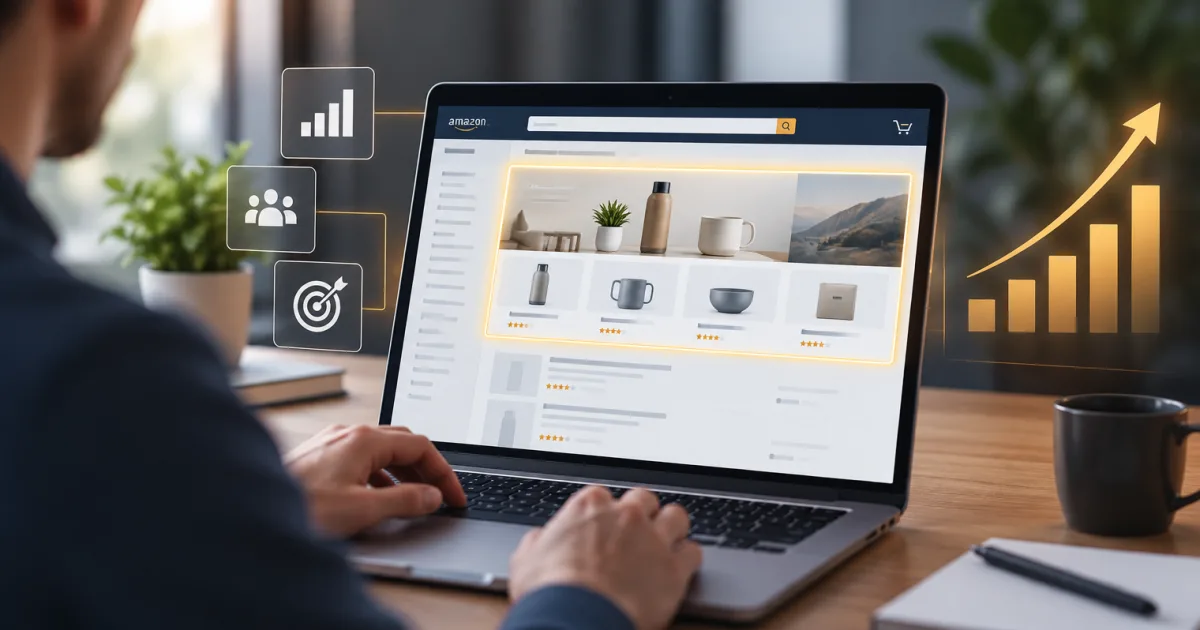
When shoppers search Amazon, Sponsored Brands ads can put your logo, products, or video in front of them alongside shopping results. For brand sellers, they offer a way to promote more than one listing or send shoppers to a Brand Store, with targeting and budget controls inside Amazon Ads.
The format has changed over time. Sponsored Brands now includes product collections, Store Spotlight, and video. Amazon introduced AI-powered collections in 2026, adding another choice for brands with related products to promote. Here’s how to decide where to start, and what to watch once your campaigns are running.
What are Sponsored Brands?
Sponsored Brands are paid ads that feature your brand name or logo and direct shoppers to product pages or a branded destination. Depending on the format and campaign setup, ads may appear in shopping results or on product detail pages. A shopper can click a product in the ad to visit its listing, or click other parts of the ad to reach a Store or another landing page.
They’re different from Sponsored Products, which promote individual listings and typically send the shopper straight to the advertised product. Many brands use both: Sponsored Products to advertise specific items, and Sponsored Brands to introduce a wider product range or brand destination.
To advertise as a seller, you need an active Professional selling account and enrollment in Amazon Brand Registry. Vendors may also be eligible. Check your account and marketplace settings before building a campaign, since eligibility and available formats can vary.
Choose the ad format that fits the job
Product collections
Collections show a group of related products in one ad. Amazon’s newer collection format can feature three to ten products, with either manual selection or automatic product selection. Manual selection gives you control over the items in the ad. With automatic selection, Amazon chooses products based on campaign targets and shopping signals. Product exclusions can help keep specific items out of automatic collections.
Collections suit brands with several related products, such as a range of skincare items or different sizes of the same household product. They give shoppers options to compare without making them click through a long chain of listings first. For more on the newer format, see our guide to Sponsored Brands Collections.
Store Spotlight
Store Spotlight promotes pages within your Amazon Brand Store. You can feature up to three Store sub-pages, giving shoppers shortcuts to different categories or product lines. Amazon requires the Store to have at least three sub-pages, each with a unique product, for this format.
Use it when your Store is organized well enough to help shoppers choose a direction. If the page is thin, out of date, or hard to understand, paying to send more people there won’t fix the page. Give the destination a quick review before buying traffic.
Video
Sponsored Brands video uses a short video in shopping results to feature a product or brand. Amazon’s current guidance lists videos from six to 45 seconds. Depending on the campaign, shoppers may be sent to a product detail page or your Store.
Show the product or its main use early. Many shoppers will see the opening seconds while scrolling, and video often starts without sound. Make sure the visuals and any on-screen text explain the idea without relying on narration.
Set up targeting and destinations
Sponsored Brands supports keyword and product targeting. Keyword targeting helps connect an ad with shopping searches. Product targeting lets you reach shoppers browsing specific product pages or categories. You can refine category targets with available options such as brand or price range, and negative targeting can exclude searches or product pages that aren’t a fit.
Keep your target, creative, and destination aligned. An ad for a particular product type should show relevant products, and a broad brand message should land somewhere shoppers can explore the range. If you use automatic product selection, avoid a headline that promises one specific item when Amazon may show a different product from the collection.
Before launching, check that the selected products are in stock and that their listings are ready to convert. Ads can bring more shoppers to a page, but they can’t supply missing images, unclear benefits, or an unavailable offer. Your Amazon image stack and product detail page are part of the campaign experience, not separate chores for some quieter afternoon.
Understand bids and budgets
Sponsored Brands uses an ad auction. In cost-per-click campaigns, you pay when a shopper clicks, and your bid helps determine whether the ad can show for a target. Amazon also offers cost-per-thousand viewable-impression pricing for some campaigns. Check the billing option shown when you create your campaign rather than assuming every format works the same way.
You set a campaign budget and can adjust bids or pause a campaign. A budget is a spending control, not a promise that Amazon will use every dollar or that your ads will appear evenly throughout the day. Start with an amount you can afford to test, then review actual delivery and results before increasing it.
Measure more than clicks
Begin with the goal you chose. Impressions show how often shoppers saw the ad. Click-through rate (CTR) indicates how often they clicked after seeing it. Click-attributed sales and return on ad spend (ROAS) help assess sales performance. New-to-brand metrics can show whether campaigns are reaching customers who haven’t bought from your brand before, where those metrics are available.
Look at the path after the click, too. If shoppers click but don’t buy, check the listing, price, stock, and relevance of the advertised products. If a Store destination gets visits but little product activity, review how clearly it guides shoppers to the right pages. For another source of customer and query data, read our guide to Amazon Brand Analytics.
Use search term and targeting reports to find targets that attract useful traffic, then refine bids and exclusions. Test one change at a time, such as a headline, video opening, or featured product group. If you change everything at once, you won’t know which change helped.
A practical starting plan
- Choose one campaign goal, such as promoting a product range, sending traffic to a Store category, or introducing a product with video.
- Select products that are in stock and have clear, complete detail pages.
- Pick the format and destination that match the shopper’s next step.
- Build a focused set of keyword or product targets, and add exclusions where needed.
- Set a test budget you can sustain, then review delivery, clicks, sales, and customer acquisition data.
- Make measured changes after you have enough data to compare performance.
Sponsored Brands can give your catalog a more visible entry point, but the ad is only one part of the sale. A clear message, relevant products, and a useful landing page give the click somewhere worth going.
Tell Parker-Lambert about your brand and ask about a custom quote for your project.